 Nederlands
 English
Inventory
Manage your products centrally in ShopLinkr
A central overview of all your products, with stock, locations and tags in one place.
Blog
Practical articles on inventory management, pick lists, multi-channel selling and more.
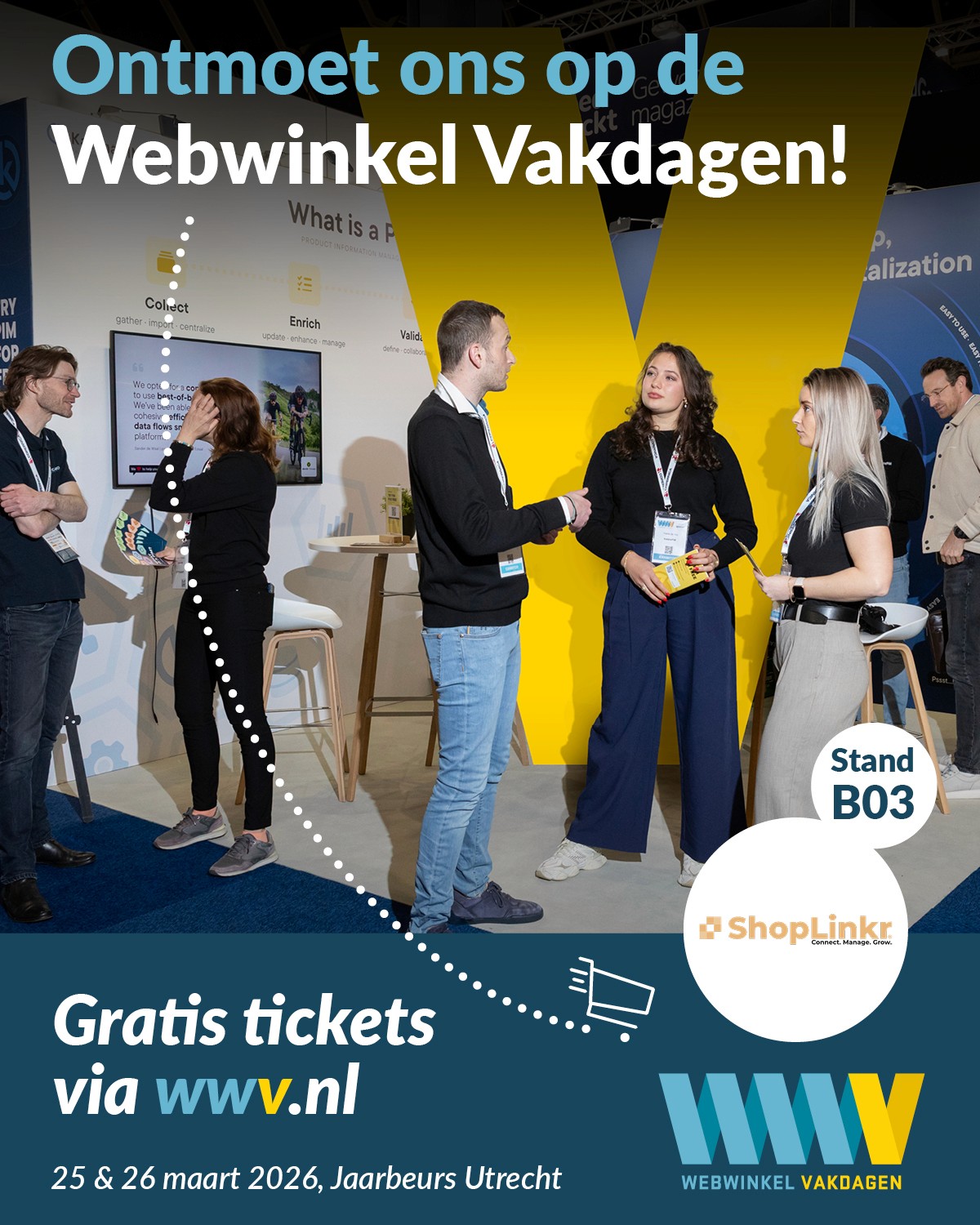
We're taking part this year! ShopLinkr will be at the Webwinkel Vakdagen at the Jaarbeurs in Utrecht. Will we see you there?
A central overview of all your products, with stock, locations and tags in one place.
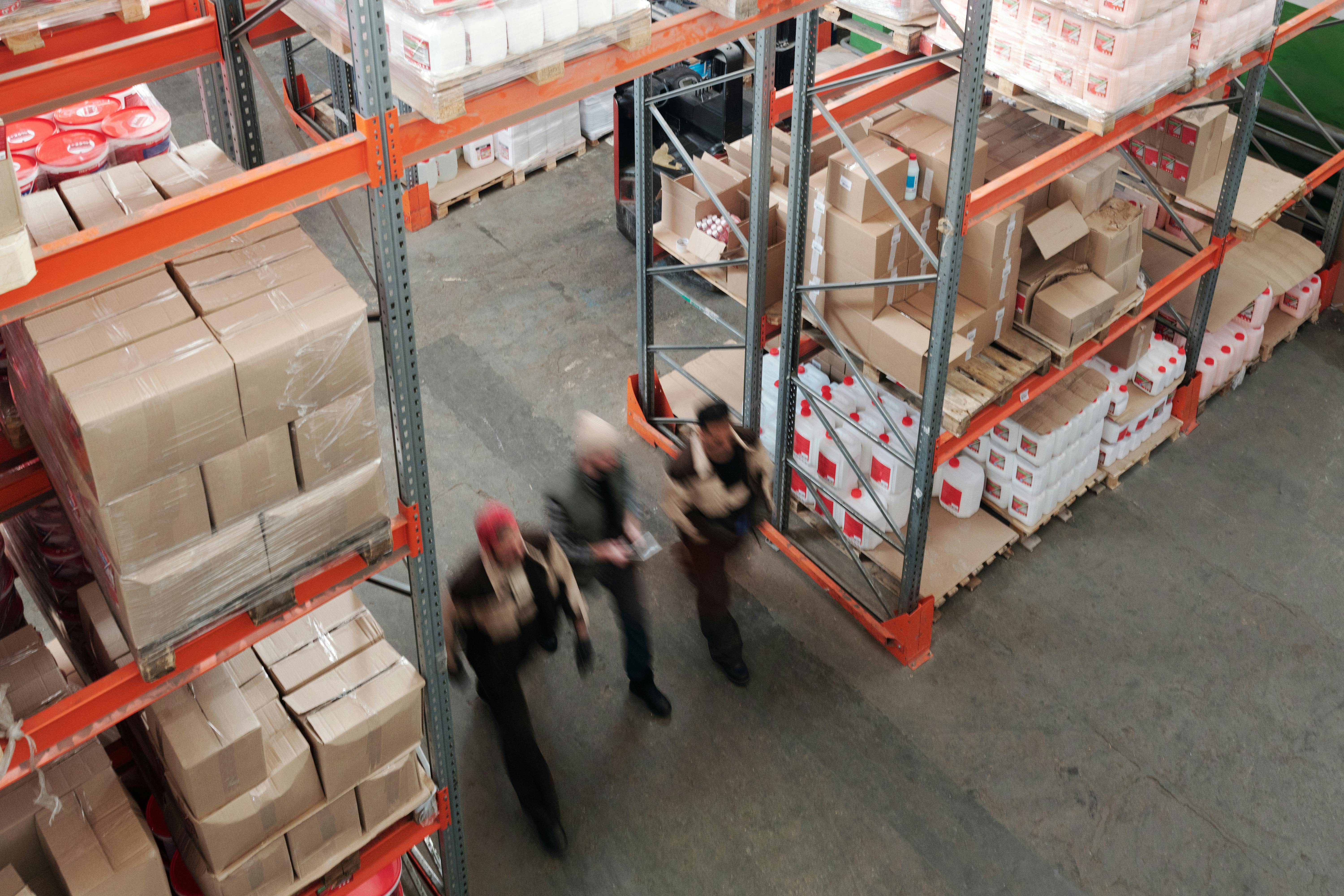
Selling on multiple channels? Your inventory management decides whether you run out or oversell. Here's how to keep stock tight and your warehouse in order.
Every EAN is a barcode, but not every barcode is an EAN. Here is how they differ and why the distinction matters for your inventory and orders.

Shipping via bol (VVB) lets you ship orders through bol's network while you manage your own stock and packing. Here is how it works and what it gives you.
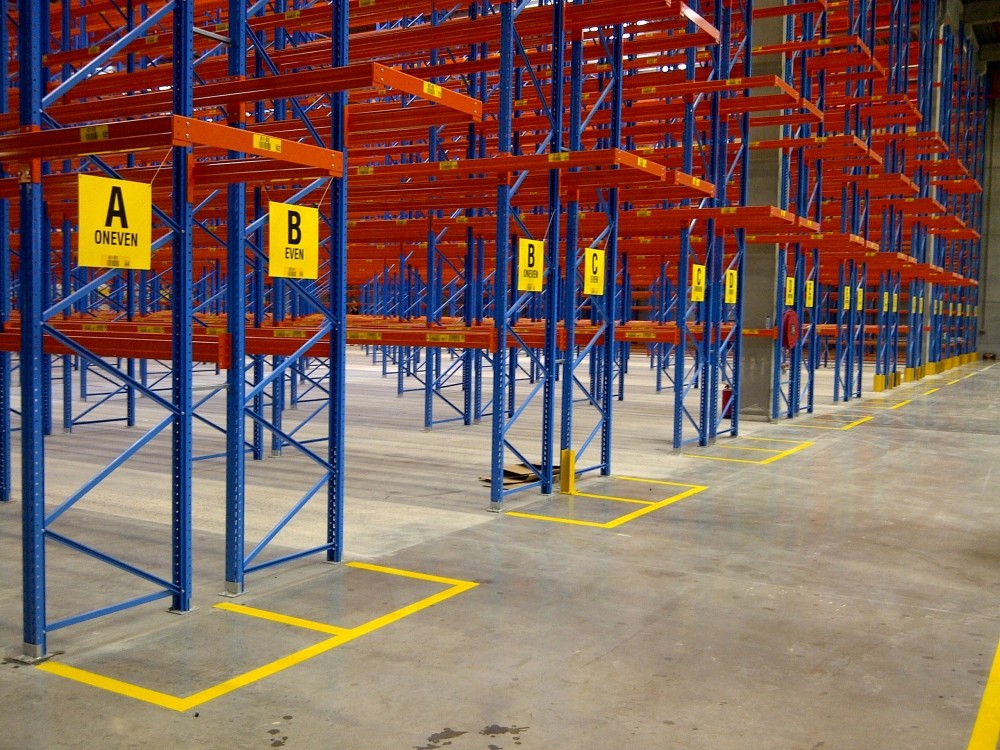
With location management in ShopLinkr you know exactly what you have where, what it is worth, and where to pick it from in your warehouse.
Selling on bol and through your own webshop? Here's how to connect both channels and manage stock and orders centrally from one system with ShopLinkr.
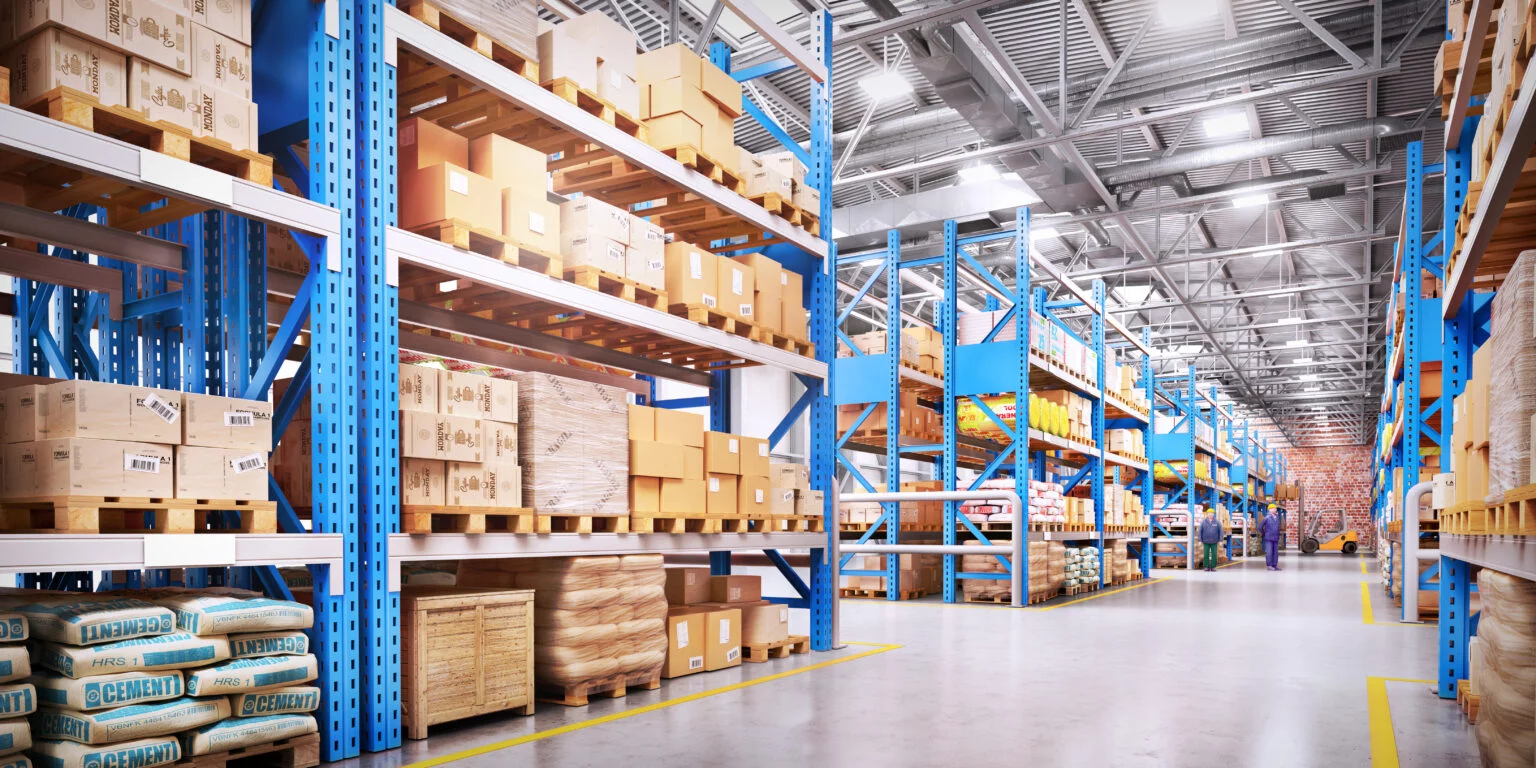
Selling on bol, Shopify or WooCommerce? Learn how real-time stock sync prevents overselling and keeps your warehouse running faster and much clearer too.
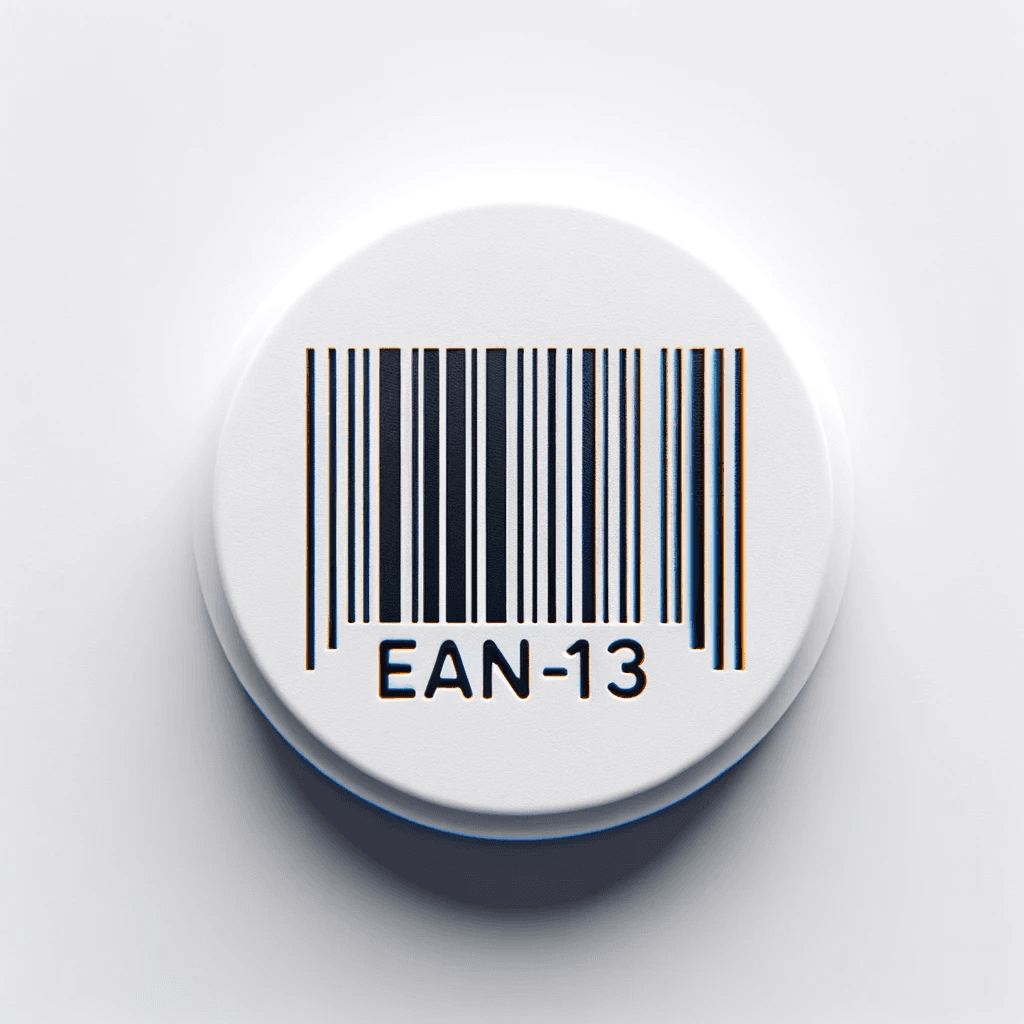
An EAN code is the unique barcode on your product. Learn how it is built, why you need one and how to request it officially through GS1.
Selling on bol alongside your webshop or other channels? Here is how real-time stock sync keeps your numbers aligned and prevents overselling and cancellations.

Periodic, perpetual or dropshipping: which inventory system fits your webshop best? We explain the differences and what real-time sync actually saves you.

Inventory management is more than counting: ordering, storing and tracking stock so you never run out or get stuck with dead stock. Here's how to do it well.
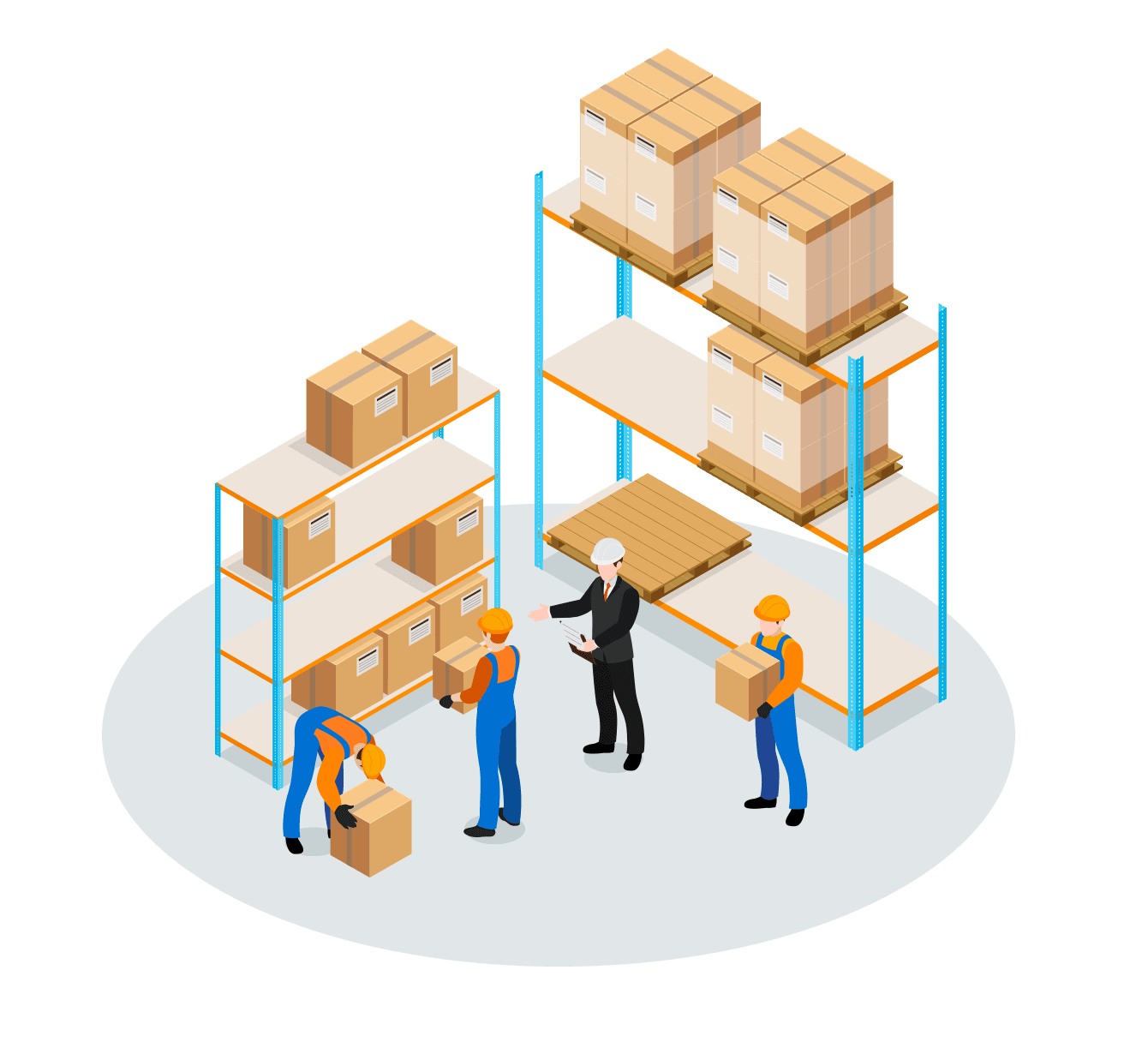
Good inventory management prevents stockouts, overstock, and hours of manual work. Learn why it pays off and how to keep stock right across every channel.
Discover how ShopLinkr's "incoming deliveries" feature helps you manage, check and seamlessly add incoming deliveries to your inventory.
Tags add an extra layer of organization on top of your categories. Label products by brand, season or supplier and filter your whole assortment in seconds.
Get started with ShopLinkr
Try ShopLinkr free for 14 days. No credit card, no strings attached. One platform for inventory, pick lists and shipping.