Nederlands
 English
Integrations
How to connect bol to your webshop
Updated on February 18, 2026
Selling through bol and through your own webshop on Shopify or WooCommerce? Then you're juggling two separate systems, each with its own stock and orders. By connecting your channels you work from a single overview, which cuts errors and manual work.
What connecting gets you
When your bol account and your webshop come together in one system, you mainly gain on three fronts:
- One stock level across all channels. A sale on bol immediately lowers the stock in your webshop too, so you never sell more than you have.
- Orders in one place. Orders from every channel land in the same overview, so there's no more switching between screens.
- Less manual work. Track & trace is sent back to the sales channel automatically, without you retyping anything.
Preparation
Before you connect, sort out two things:
- Active accounts. Make sure your account on bol and on your own platform (Shopify, WooCommerce, or another channel) is active.
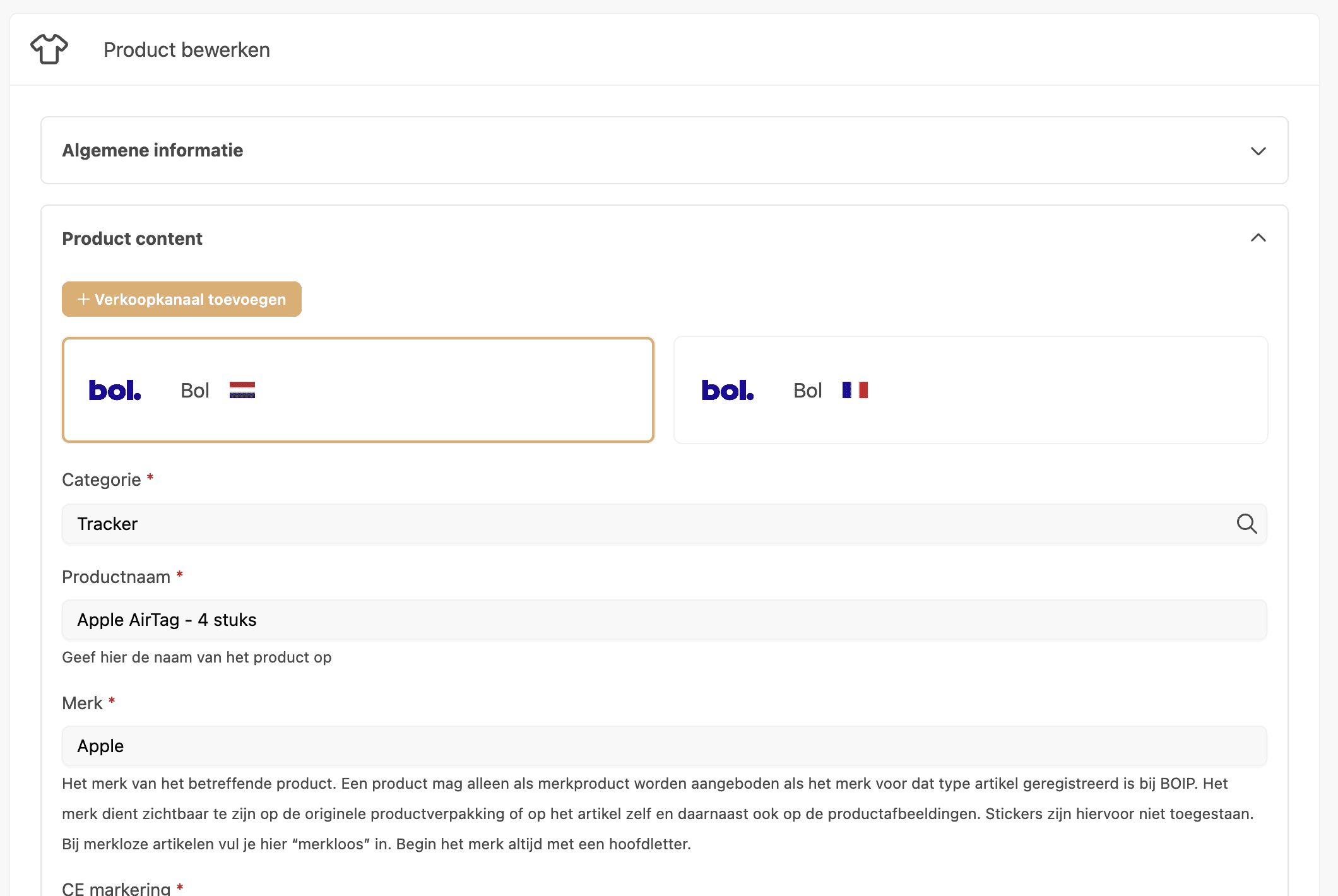
- EAN codes in order. Give each product an EAN code and use the same code everywhere for that product. The EAN you use on bol for product A is the one you use in your webshop for product A. That's how the inventory sync recognizes it's the same product and keeps the quantities aligned.
When you sell on a marketplace such as bol, officially issued EAN codes are usually expected. You request those from GS1. Always check the current requirements in your seller account, since they can differ per category.
Connecting with ShopLinkr
ShopLinkr brings your bol sales and your webshop together in one system. You process orders centrally, keep stock in real-time sync, and print shipping labels for carriers like PostNL, DPD, and MyParcel with one click. Want to see more? Browse the available integrations or read the step-by-step walkthroughs in our guides.
For a detailed walkthrough per channel, we have separate guides:
Try it yourself
Want to manage your channels from one system? Create an account and try ShopLinkr free for 14 days. You only pay for what you use.

Written by
Job Jenniskens, Founder
Started ShopLinkr from his own webshop. Still builds on the platform every day and knows every corner of the code.
LinkedIn