Nederlands
 English
Inventory
Location Management
Updated on June 17, 2026
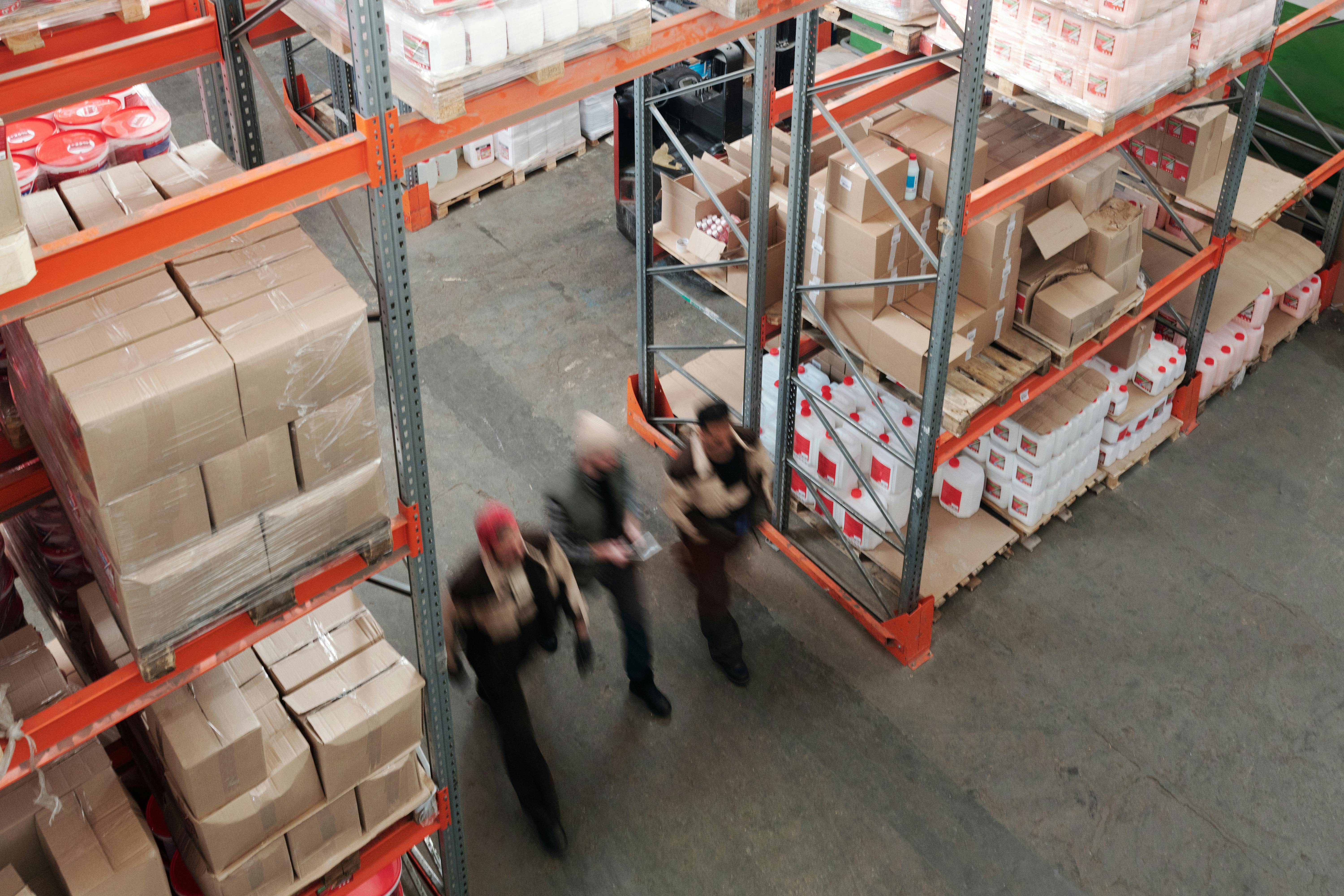
Once your stock is spread across several spots in your warehouse, finding things eats up time. With location management in ShopLinkr you link products to fixed spots, so you always know where something is and what your inventory is worth.
Always see your stock
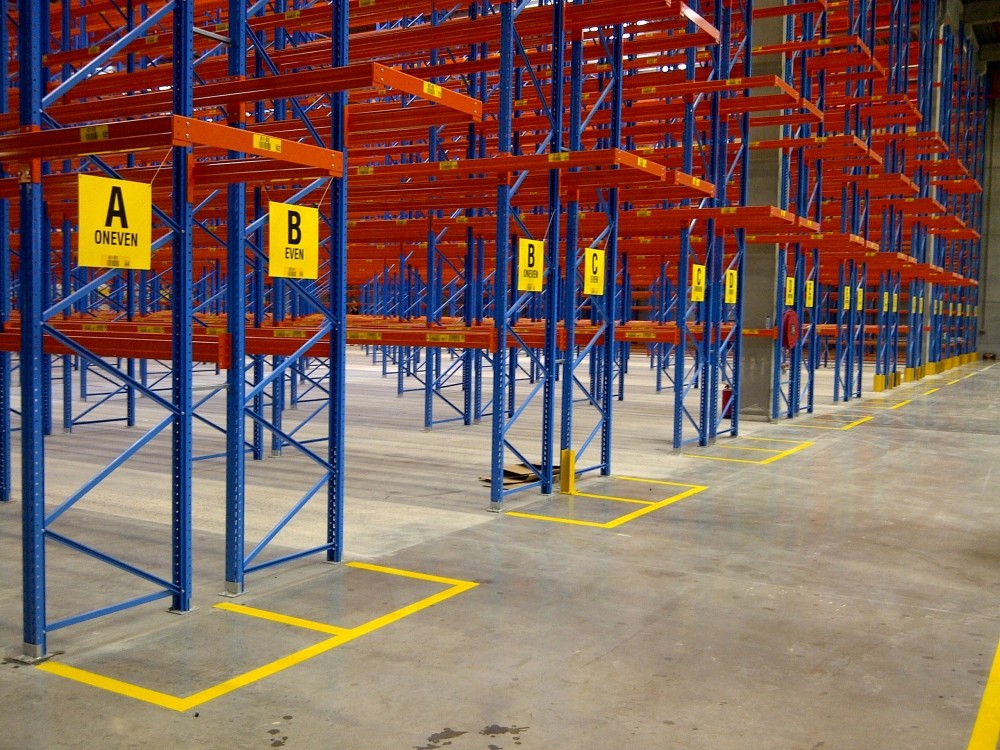
You set up hierarchical warehouse locations and link each product to one or more spots. Whether you have one storage spot or ten, you can see per location how much of a product you have on hand. Inventory stays synced in real time across all your sales channels, so you never sell more than is physically present.
Inventory value made clear
Keep a purchase price per product and you instantly know what your inventory is worth, per location or for the whole warehouse. That gives you an up-to-date picture for your bookkeeping and helps with decisions on purchasing and dead stock. The reports cover inventory value, margin per product, and an ABC analysis, among others.
Pick and ship faster
When a new order comes in, stock is automatically deducted from the right location. The pick list shows exactly where to grab each product, with a smart route through your warehouse. No more walking back and forth, and orders go out the door sooner.
Get started
Adding locations and linking them to products takes just a few clicks. Want to try it yourself? Create an account and use ShopLinkr free for 14 days.

Written by
Job Jenniskens, Founder
Started ShopLinkr from his own webshop. Still builds on the platform every day and knows every corner of the code.
LinkedIn