 Nederlands
 English
The ultimate guide to warehouse software
What warehouse software does, which features you actually need, and how to choose the right tool for your webshop or marketplace sales. A practical guide.
Published on June 7, 2024
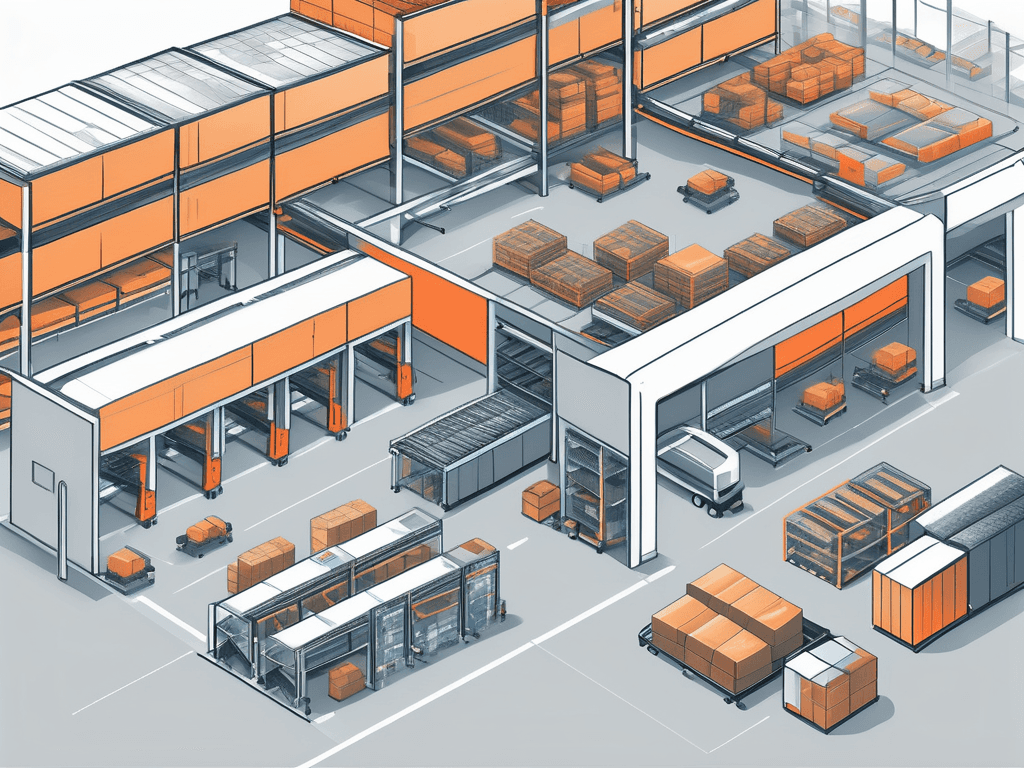
Warehouse software brings your inventory, order processing, picking, shipping, and returns from every sales channel together in one place. It syncs your stock in real time, prevents overselling, and cuts out manual work. The core features are central order processing, real-time inventory sync, pick lists with a warehouse route, one-click shipping labels, and reports.
Warehouse software is the central place where you manage your inventory, orders, and shipping. Instead of juggling separate spreadsheets and retyping data between channels, the software tracks in real time what is in stock, which orders come in, and what needs to go out the door. For webshops and marketplace sellers, that is the difference between control and chaos. This guide covers which features matter and how to make the right choice.
Which features do you actually need?
Not every tool that calls itself warehouse software does the same thing. These are the core features that save the most time in practice:
Central order processing. Orders from all your channels, such as bol, Shopify, WooCommerce, and Kaufland, land in one screen. No more separate browser tabs per marketplace.
Real-time inventory sync. Sell a product on one channel and stock drops instantly on all the others. That prevents overselling, the leading cause of cancellations and negative reviews.
Pick lists with a warehouse route. A smart walking route through your warehouse, with barcode scanning, bins, and packing stations, so orders get picked faster and with fewer mistakes.
One-click shipping labels. Labels for carriers like PostNL, DPD, and MyParcel, with track and trace sent back to the sales channel automatically.
Reports. Insight into revenue and margin per product, dead stock, and stock value, so you base decisions on numbers instead of gut feeling.
On top of that, features like returns processing, purchase advice per supplier, and automation rules cut out a lot of manual work as you grow.
How do you choose the right software?
The best fit depends on where you sell and how you work. Walk through these steps:
Map out which sales channels you use and confirm the software connects to them. Review the available integrations before you judge anything else.
Check whether inventory management syncs in real time across all channels. Even a few minutes of delay can lead to overselling.
Assess the physical warehouse side: does the software support pick lists with scanning, locations, and packing stations?
Look at shipping: does it work with your carriers and send track and trace back automatically?
Pay attention to pricing. A pay-as-you-go model scales with you without expensive licenses up front, which helps when your volume fluctuates.
Frequently asked questions
What is the difference between inventory management and warehouse software?
Inventory management is one piece: keeping track of what you have in stock. Warehouse software is broader and also handles order processing, picking, shipping, and returns. Many packages combine both.
Is warehouse software worthwhile for small webshops?
Yes. Especially with multiple sales channels, automatic sync prevents the kind of errors you make quickly by hand. With a pay-as-you-go model you pay for what you use, so you do not have to be big to get started.
Want to see how this works for your situation? Browse our guides or try ShopLinkr free for 14 days and sync your inventory and orders from one overview.

Written by
Job Jenniskens, Founder
Started ShopLinkr from his own webshop. Still builds on the platform every day and knows every corner of the code.
LinkedIn